

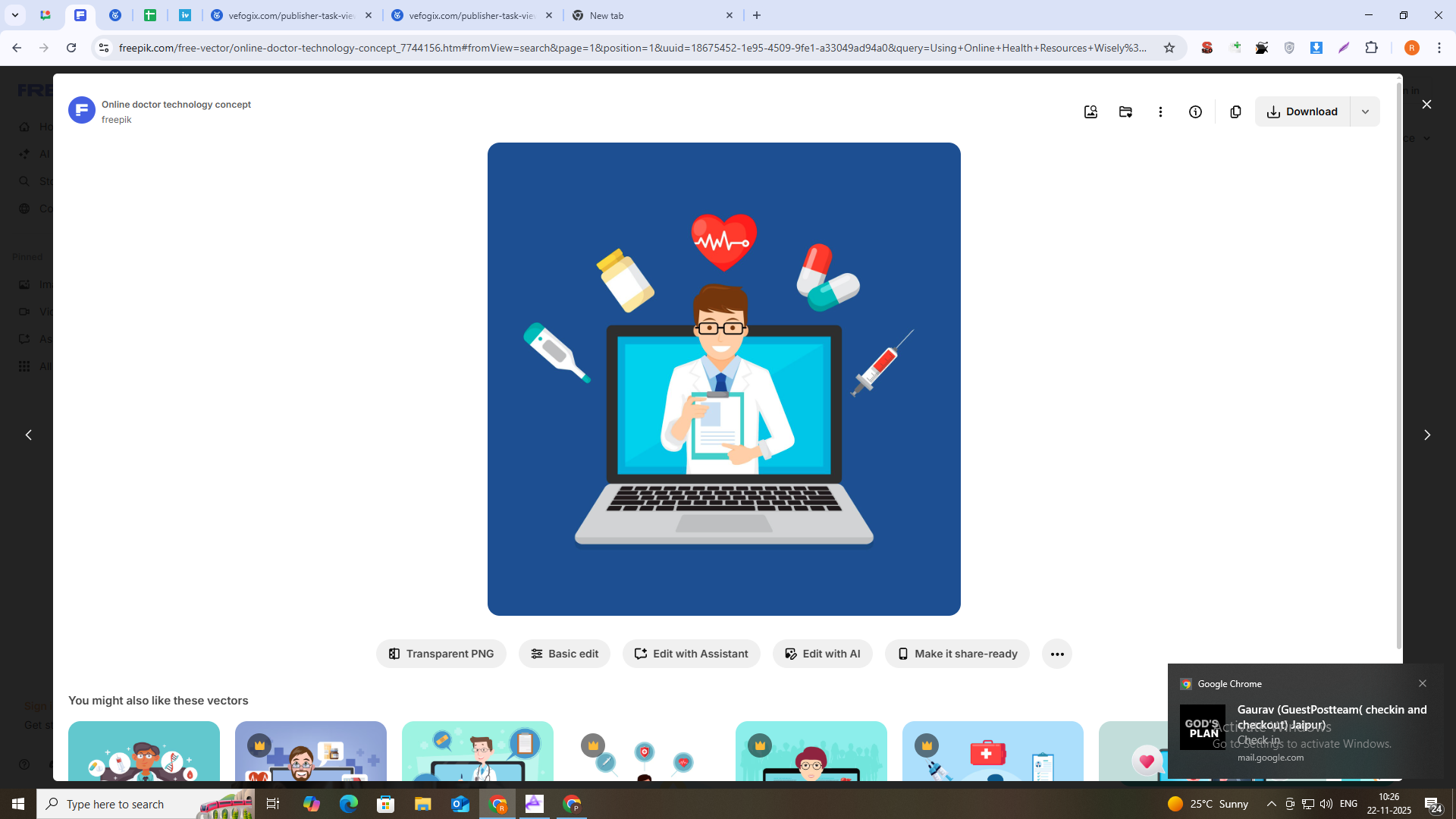
Modern health websites make it easier than ever to learn about conditions, medications, exercise, and nutrition. You can read about treatment options, look up side effects, compare lifestyle advice, and discover new ways to support your long-term health without leaving home.
But there’s a hidden problem almost no one talks about: information overload.
After a few months of searching, you might have:
- Doctor visit summaries in a patient portal
- Lab results as downloaded PDFs
- Exercise and rehab routines saved from different sites
- Medication guides and dosage instructions from online health articles
- Email attachments from clinics, coaches, or insurance
Each piece is helpful on its own, but if everything is scattered, it becomes hard to see the big picture of your health. The goal is not just to collect information, but to turn it into a clear, personal reference you can rely on when you make decisions about treatment, medications, and lifestyle changes.
From Random Health PDFs to a Personal Health Folder
A simple place to start is by building one central “health hub” on your computer, phone, or cloud storage. Instead of downloading files into random folders, create a structure that mirrors the way you actually think about your life and care:
- Medical Records – doctor visit summaries, imaging reports, lab results
- Medications & Treatments – guides, dosage instructions, educational articles your doctor recommends
- Fitness & Rehab – exercise programs, post-surgery rehab plans, stretching routines
- Nutrition & Lifestyle – meal plans, food guidelines, sleep and stress-management materials
Whenever you download a new document, save it into the appropriate folder right away. That way, when you’re preparing for a doctor appointment or checking a medication interaction, you only have one place to look.
Over time, this folder becomes more valuable than any single article; it turns into a living record of your health journey.
Why Organizing Medication Information Matters So Much
When it comes to medications, small mistakes can have big consequences. People often:
- Lose track of which dose they’re taking and when it changed
- Misplace instructions about taking a drug with food or on an empty stomach
- Forget which side effects are normal and which require urgent attention
- Have multiple doctors and pharmacies, each with their own paperwork
Having your medication information organized in one place makes conversations with doctors safer and smoother. You can quickly answer questions like:
- “What dose were you taking before we increased it?”
- “How long have you been on this drug?”
- “What happened the last time we tried that medication?”
If you’ve saved PDF guides from reputable sources—such as patient information leaflets, educational handouts, or clinic instructions—you can combine them into a single “Medication Handbook” for yourself.
A practical way to do this is to use a PDF tool like pdfmigo.com to merge PDF files from different sources into one document sorted by condition or drug name. You might have one section for blood pressure medications, another for diabetes care, and another for pain management or mental health treatments.
Connecting Fitness, Lifestyle, and Medication Safety
Online health articles rarely exist in isolation. Advice about exercise, nutrition, and sleep often overlaps directly with your medications:
- Some drugs work better when combined with regular physical activity.
- Others may require you to avoid certain supplements, herbs, or foods.
- Many medications list dizziness, fatigue, or heart-rate changes as side effects—things you’ll notice most during workouts.
It’s helpful to treat your health information as one ecosystem rather than separate islands. For example, if you have:
- A PDF from your doctor about a new medication
- An exercise plan designed to support the same condition
- Lifestyle advice about diet, stress, or sleep that affects your treatment
You can place all of those into a single goal-based packet, like “Heart Health Plan,” “Joint Pain & Mobility Plan,” or “Blood Sugar Management Plan.” Each packet can include:
- A short overview you write for yourself in simple language
- Key medication instructions and things to watch for
- Exercise or rehab routines that are safe for your situation
- Lifestyle changes that support the treatment
When all of these pages live together in one clean PDF, it’s easier to see how the pieces fit instead of following random tips that may or may not match your prescriptions. If your existing documents are long and cluttered, you can also split PDF files into smaller, topic-specific ones—such as one file for rehab exercises and another for medication safety notes. Shorter, more focused documents are easier to review regularly and share with caregivers or family members who help you manage your health.
Making Online Health Info Work With Your Healthcare Team
Good online resources are not meant to replace doctors, pharmacists, or other professionals—they’re meant to help you have better conversations with them. A well-organized digital health folder can make those conversations far more efficient.
Before an appointment, you can quickly:
- Review the last few visit summaries and remind yourself what was discussed
- Look at trends in lab results you’ve collected
- Re-read instructions for medications you’re unsure about
- Note questions that came up while reading articles or watching educational content
During the visit, instead of trying to remember everything, you can open your documents and show your doctor exactly which information you’re referencing. If they recommend new resources, you can add those to the same folder so your system stays complete.
This approach turns online health content from something passive (just reading and forgetting) into something active—a personalized toolkit you actually use to support decisions.
Keeping It Simple Enough to Maintain
The most powerful system is the one you can keep up with when life gets busy. A few tips to make your health document habits sustainable:
- Start small. Even organizing just your current medications and one or two main conditions is a huge step.
- Set a reminder. Once a month, spend 15–20 minutes filing new documents into the right folders and deleting anything outdated or duplicate.
- Use clear names. Rename files with dates and topics, like “2025-03-10 – Lab Results – Blood Panel” or “Knee Rehab Exercises – Week 1–4.”
- Back it up. If possible, keep a copy in a secure cloud service or external drive so you don’t lose everything if your device fails.
You don’t need a perfect system or special software. A simple folder structure, a handful of well-organized PDFs, and a bit of consistency already put you ahead of most people.
Turning Information Into Confidence
The internet has made health and medication information more accessible—but also more overwhelming. The difference between confusion and confidence is not just what you read; it’s what you do with the documents you collect.
By saving the right PDFs, organizing them into meaningful categories, and combining related pages into clear reference guides, you create a personal health and medication library that actually supports your life. Over time, this library becomes a quiet but powerful ally every time you talk to a doctor, start a new prescription, or adjust your lifestyle.